Troubleshooting
Mask Won't Turn On
Let's try these steps together.
- Make sure your mask is charged. Your mask uses a USB-C cord and can be used with any standard wall charger. If the mask is still not charging, try another cable and outlet. Misplaced your USB cord? You can order one on Amazon.
Also make sure you do NOT use the mask or power it on while it's being charged.
- Make sure the switch on the top of your mask is turned to ON. This is required to power on the device.
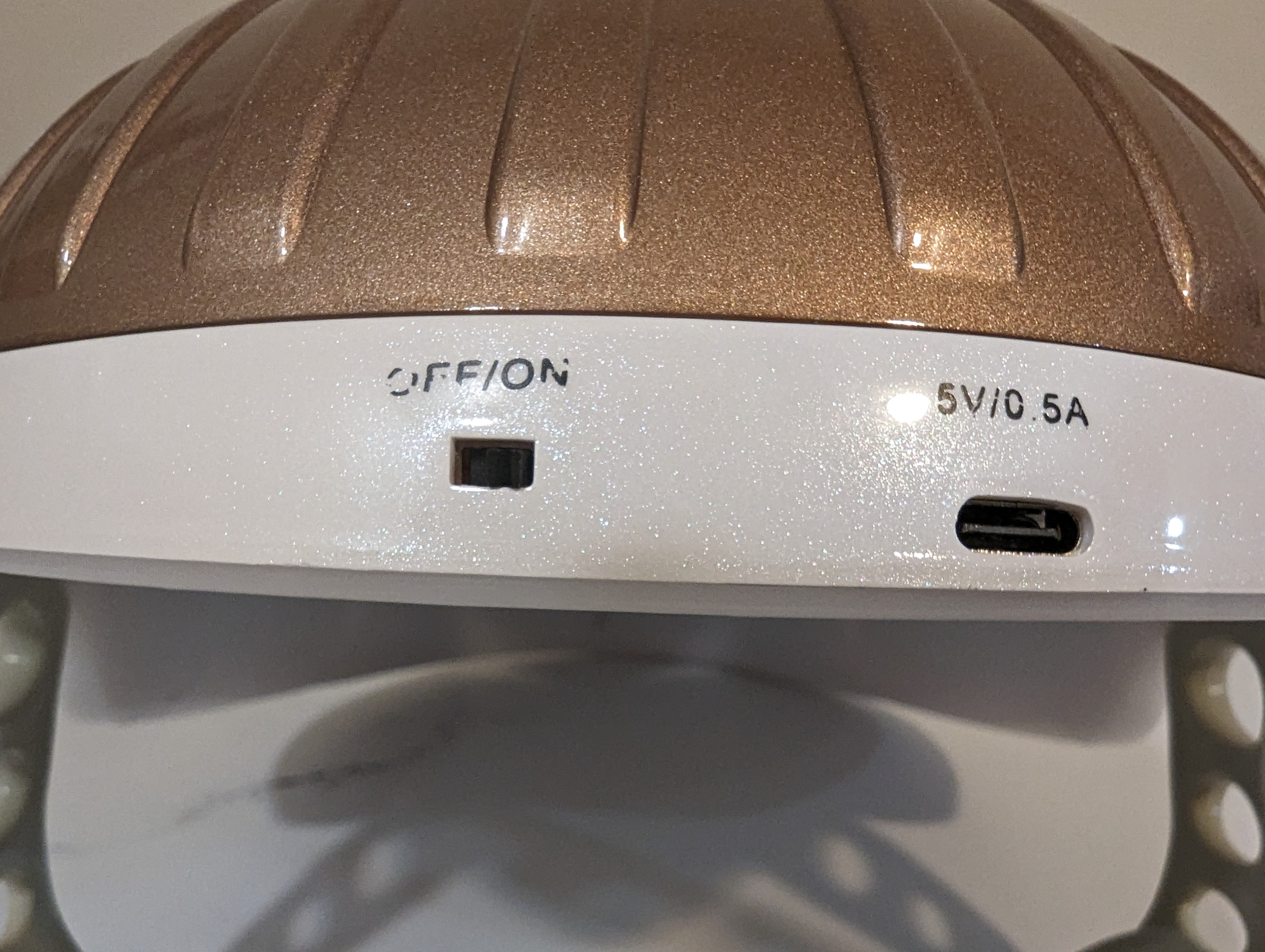
- Power on the device by tapping the middle of the forehead with your entire palm instead of only your fingers. You should hear a sound when it powers on.
If you're still not getting it to power on, please take a short video of your device and reach out to our customer service team. If the file is too large to attach, use a free service like Google Drive, Dropbox, or WeTransfer and paste the link in your message.
This allows us to quickly get you taken care of — we can send the video to our QA department and get you a replacement or refund.
Mask Is Changing Colors Automatically
This is a built-in setting. You have your 7 colors plus a cycle mode that rotates through all 7 automatically. To switch to a specific color, tap the right side of the mask with your palm (when looking at it directly) and select the color you'd like.
How Do I Insert Eye Protection?
Take your eye guards and line them up with the openings on the inside of the mask as pictured.
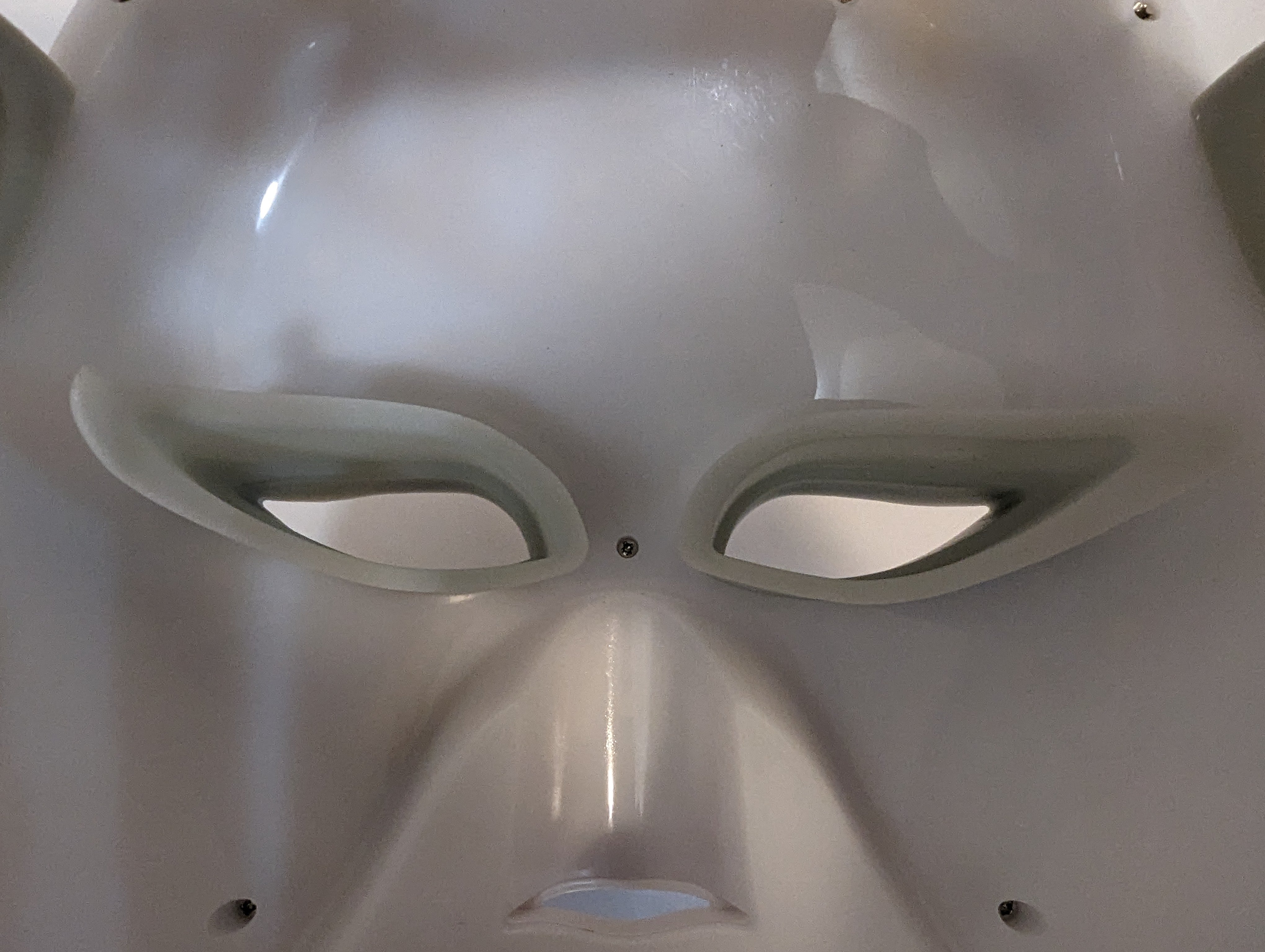
They can be removed just as easily if you prefer to use your own eye protection.
Mask Is Making Sounds
Your mask makes sounds to indicate power on and when changing settings. You may also notice a slight "whirring" noise on some colors — this is completely normal.